Set your desk so the keyboard sits at elbow height, forearms parallel to the floor, and you are in the correct zone. That is the whole rule. Most seated adults have a keyboard surface height roughly in the low to mid 20 inches range, but that range is only a starting point, because proper posture guidance is built around your own 90 degree elbow bend, not a national average.
Quick statistic: A fixed desk height around the upper 20 inches range is common in most furniture stores, yet that number suits only a narrow slice of adult body types, according to The Desk Brief.
- Sit or stand in your normal working posture.
- Let your arms hang naturally at your sides, then bend elbows to 90 degrees.
- Measure from the floor to the bottom of your forearm. That number is your target desk height.
Do this now, before reading further. Everything below explains how to refine that number and fix a desk that does not match it.
Key Takeaways
Desk height ergonomics comes down to one measurable number: your own elbow height, sitting and standing, matched to keyboard and monitor position together.
| Point | Details |
|---|---|
| Measure elbow height first | Bend your arm to 90 degrees and measure floor to forearm, sitting and standing. |
| Fix the chair before the desk | Support feet and thighs first, then adjust the keyboard interface to match. |
| Use ranges, not one number | Body proportions vary, so treat height-chart figures as starting points to test. |
| Coordinate monitor and keyboard | Move both together when adjusting desk height to avoid trading wrist strain for neck strain. |
| Custom builds solve permanent mismatches | Woodmadeillinois measures on-site and builds desks to your exact elbow height when add-ons fall short. |
Table of Contents
- How to Measure Your Desk Height for Real Ergonomic Fit
- What Are the Recommended Desk Height Ranges by Body Height?
- How Do You Fix a Fixed Desk That Sits at the Wrong Height?
- Setting Standing Desk Presets Without Wrecking Your Posture
- How Should Your Monitor and Keyboard Line Up With Desk Height?
- How Wood Made Illinois Measures for a Custom Ergonomic Desk
- Sources
How to Measure Your Desk Height for Real Ergonomic Fit
A tape measure and five minutes will tell you more than any generic chart. Wear the shoes you normally work in, since a thick sole or bare feet can shift the reading by half an inch or more, and sit in your actual chair rather than a showroom stool.
- Sit normally, hips back in the chair, feet flat on the floor.
- Relax your shoulders and let your upper arms hang straight down at your sides.
- Bend your elbow to 90 degrees and measure from the floor to the underside of your forearm.
- Repeat standing, keeping knees soft and weight even on both feet.
- Compare both numbers to your current desk and keyboard height.
Once you have both figures, check for a neutral wrist. Your hand should form a straight line with your forearm when typing, not bent up or down.
Pro Tip: Measure twice, once in the morning and once after a few hours at your desk. Slouching creeps in by afternoon, and your “true” working elbow height often sits slightly lower than your fresh-morning posture suggests.
Common measurement errors include leaning forward toward the screen, which artificially lowers the reading, and measuring over a seat cushion without accounting for how much it compresses under real weight.
What Are the Recommended Desk Height Ranges by Body Height?
Ranges exist because forearm length, torso proportion, and chair thickness vary even among people of identical height. A desk height calculator built on elbow-height ratios will always beat a single fixed number pulled from a furniture spec sheet.
These figures are ballpark starting points, not fixed targets, and some calculator tools use a percentage of overall body height rather than pure elbow measurement, which shifts the numbers slightly depending on the method.
- Typing tasks favor the lower end of your range, since keyboard work keeps wrists neutral at a slightly lower surface.
- Handwriting or drafting favors the upper end, closer to standard writing-desk height.
- Anti-fatigue mats and supportive shoes add a small but real buffer, often shifting standing comfort by half an inch to a full inch.
How Do You Fix a Fixed Desk That Sits at the Wrong Height?
Most desks cannot move, but nearly everything around them can. Fix the chair first, then the keyboard interface, then add supporting hardware. Skipping straight to gadgets before nailing the chair usually just relocates the problem.
- Adjust the chair so your feet are flat and thighs roughly parallel to the floor. If this raises your elbows above the desk, that is expected.
- Add a footrest if your feet now dangle. A stack of sturdy books works in a pinch, but a dedicated footrest holds a consistent angle.
- Install a keyboard tray when the desk itself sits too high, since a tray lets the typing surface drop below the desktop without touching the desk’s structure.
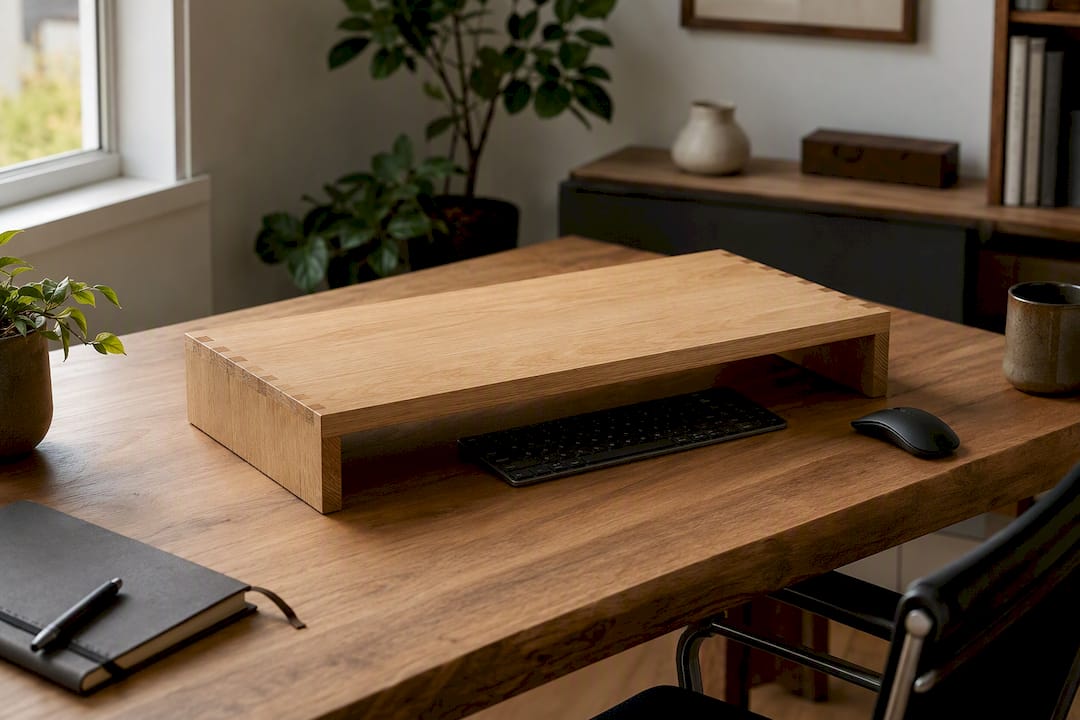
- Use a desk riser or converter when the desk sits too low and cannot be raised, lifting the whole work surface to elbow level.
A keyboard tray solves height problems better than risers when the desk is too tall; risers solve it better when the desk is too short. Verify the fix by checking for shoulder elevation, a visible sign the setup still forces strain, even after adjustment.
Pro Tip: If you catch yourself shrugging your shoulders toward your ears within the first ten minutes of sitting down, the desk is still too high. That reflex is your body’s early warning system.
Setting Standing Desk Presets Without Wrecking Your Posture
A standing desk only helps if its preset matches your standing elbow measurement, the same 90 degree target from earlier, just applied while upright. Move both keyboard and monitor together when you switch presets, since raising one without the other recreates the same strain you were trying to fix.
- Start with 15 minutes of standing time and build gradually toward a few hours across the day, a cadence supported by Haworth’s ergonomic transition guidance.
- Stand on an anti-fatigue mat and wear supportive shoes. Bare feet on hard flooring shorten your comfortable standing window considerably.
- Watch for locked knees, a habit that restricts circulation, and correct it by keeping a soft bend at all times.
- If your monitor drops too low relative to your new standing height, raise it rather than tilting your neck downward for hours.
Adjustability is the tool, not the fix itself. A sit-stand desk explained well still requires the same measurement discipline as a fixed desk, just applied twice a day instead of once.
How Should Your Monitor and Keyboard Line Up With Desk Height?
Desk height, monitor height, and keyboard angle work as one system, not three separate settings. Get the desk right and then leave the monitor low, and you have just traded wrist strain for neck strain.
- Position the top of your monitor at or slightly below eye level, with the center of the screen lower still, since your eyes naturally rest downward more than straight ahead.
- Readers with progressive or bifocal lenses often need the monitor lower and closer than standard guidance suggests, based on practical monitor placement recommendations.
- Keep the keyboard flat, not tilted upward on its little rear feet, a common habit that extends the wrist backward for hours at a time.
- Place the mouse at the same height as the keyboard, beside it, not on a separate raised surface.
Quick statistic: Elevated shoulders from a too-high setup are a documented risk factor for rotator cuff strain, which makes shoulder position worth checking as often as wrist position.
If adjusting your chair throws off monitor height, fix it with a monitor arm or riser instead of undoing your keyboard height to compensate.
How Wood Made Illinois Measures for a Custom Ergonomic Desk
A tape measure gets you close. A carpenter who has built desks for years of Central Illinois home offices gets you exact, and gets you a piece of furniture that stays right instead of drifting back toward “close enough” every few months.
- We observe how you actually sit or stand before touching a tape measure, since posture habits reveal more than a textbook stance ever will.
- We record seated and standing elbow height, monitor position, keyboard reach, footwear, and mat thickness, all in the same visit.
- We build in adjustable legs, recessed keyboard zones, or integrated footrests where the numbers call for it, rather than forcing a stock height onto a body that does not match it.
The surprise is rarely the desk height number itself. It is how much daily discomfort disappears once a work surface actually matches the person using it, instead of a factory default built for an average that fits almost no one exactly.
When a fixed desk cannot be salvaged with a tray or riser, a custom desk built to your exact elbow measurements solves the problem permanently rather than piecing it together with add-ons.
A carpenter’s honest take on desk height surprises
Most people are shocked by how far off their old desk was, sometimes two or three inches. A precise fit rarely feels dramatic day one, but the ache that quietly disappears over the following week usually is. Measure yours today, or reach out for a site visit.
— Wood
Custom Ergonomic Desks Built Around Your Actual Measurements
Woodmadeillinois builds the fix instead of asking you to buy another off-the-shelf riser and hope it lines up. That is the real difference between a generic desk height guide and a workspace built specifically for your elbows, your chair, and your monitor setup.

We start with an on-site measurement visit, the same process described above: seated and standing elbow height, monitor geometry, footwear, and mat thickness, all recorded before a single board gets cut. From there we build toward a target height using solid materials, whether that means a fixed-height hardwood top desk sized to your exact elbow measurement or a handcrafted standing desk with integrated adjustability. Bring your tape-measure numbers to the visit, along with your usual chair and shoes, and we can talk timeline and quote on the spot. Start with our trusted local carpentry experts page to schedule your measurement visit.
Sources
- Guide to good posture — MedlinePlus
- Rotator cuff — Cleveland Clinic
- Desk Height Calculator — Calcipedia